
To submit an assignment on behalf of a student:
1. Click the Assignment link in the Moodle course.

2. Click the Submissions tab in the contextual menu.

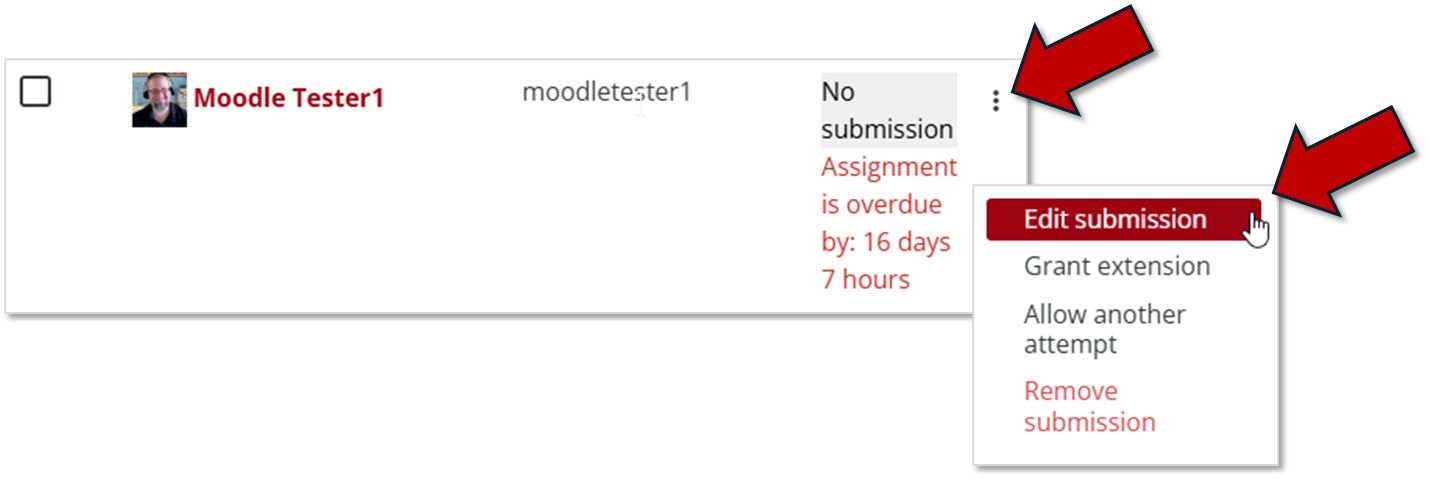
3. Click the 3 dots (kabob) menu next to the student on whose behalf you are making a submission and then click Edit submission from the menu that appears.
4.Drag the file into dotted upload box.

5. Click Save changes.
