
Tables should be used to organize and display data, such as numbers and text, in a clear, concise manner by using rows and columns. This information can be scrambled by a screen reader or other assistive technologies if the table is not properly formatted.
Tables should not be pasted as an image (when possible), but instead they should be built into the Moodle text editor or Microsoft 365 document using the table-building settings.
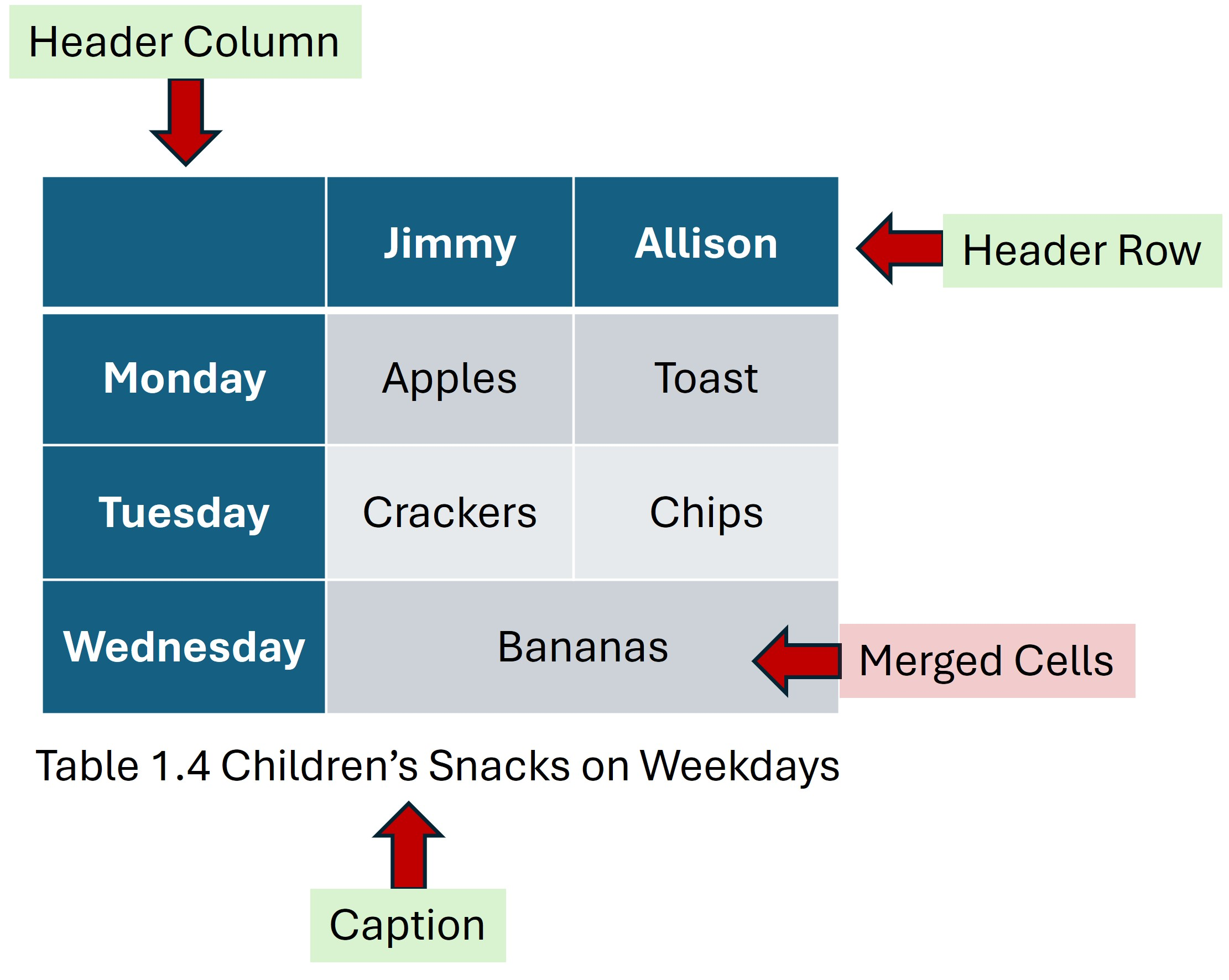
All tables should have:
- No Merged Cells
- Header Rows or Header Columns (or both as needed)
- Captions to provide the context of the table
The image below is a sample table with these items indicated by arrows:
Avoid Merged or Nested Cells
WCAG guidelines advise against nested or merged cells within a table. These are problematic because screen readers linearize content, and merged cells break the intended sequence. Instead, use simple table structures or multiple tables to convey the desired meaning.
To check the order that a screen reader would navigate your table, click the top right cell of the table, and then press the Tab key on your keyboard. The selected cells will be emphasized in the same order that a screen reader will access them.