
Module banners are part of the Suggested Layout. They can be used to call students' attention to the topic covered in a module.
1. Click the Turn editing on button in the upper right corner of the screen.

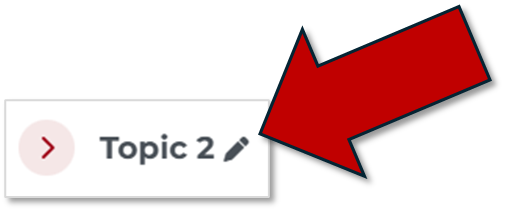
2. Click pencil icon to the right of the section name.
3. Type a New Name in the text box.
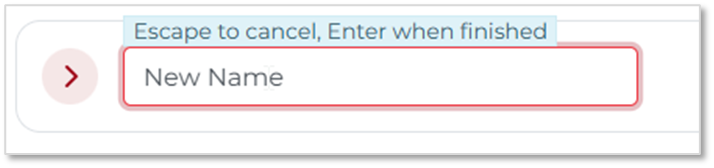
4. Click Enter.