1. Click on Grades in the Contextual menu at the top of the Course page.

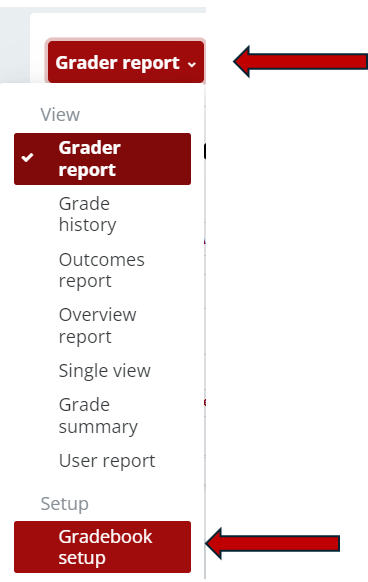
2. Click on the red button in the top left (by default - Grader report) until you find Gradebook setup.
3. Click the Edit option to the right of the grade item you would like to hide.

4. Select Edit settings.

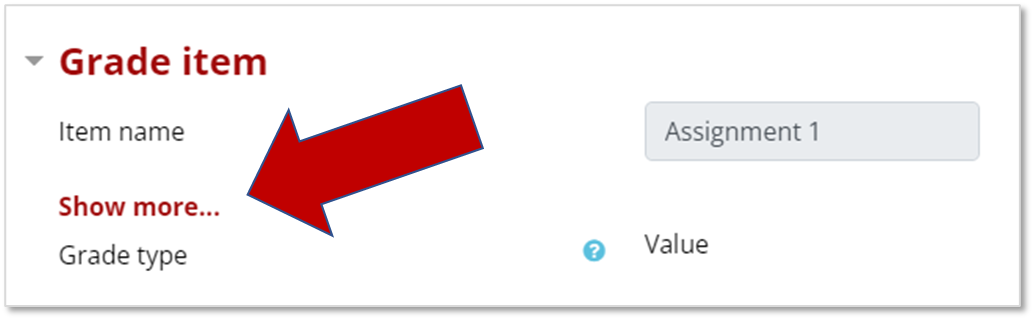
5. Click Show more in the Grade item section.
6. Enable the Hidden until field and set a date for the grade to become visible to students.

7. Click Save changes.