
Reply to a Forum Post with Video Using Panopto
1. Click on the forum in your Moodle course

2. Click on the title of a discussion post

3. Click on Reply

4. Click on Advanced

5. Click on the Panopto button in the text editor

6. Start typing the name for your course in the search box and select the option that appears with the name of your course followed by "[assignments]".
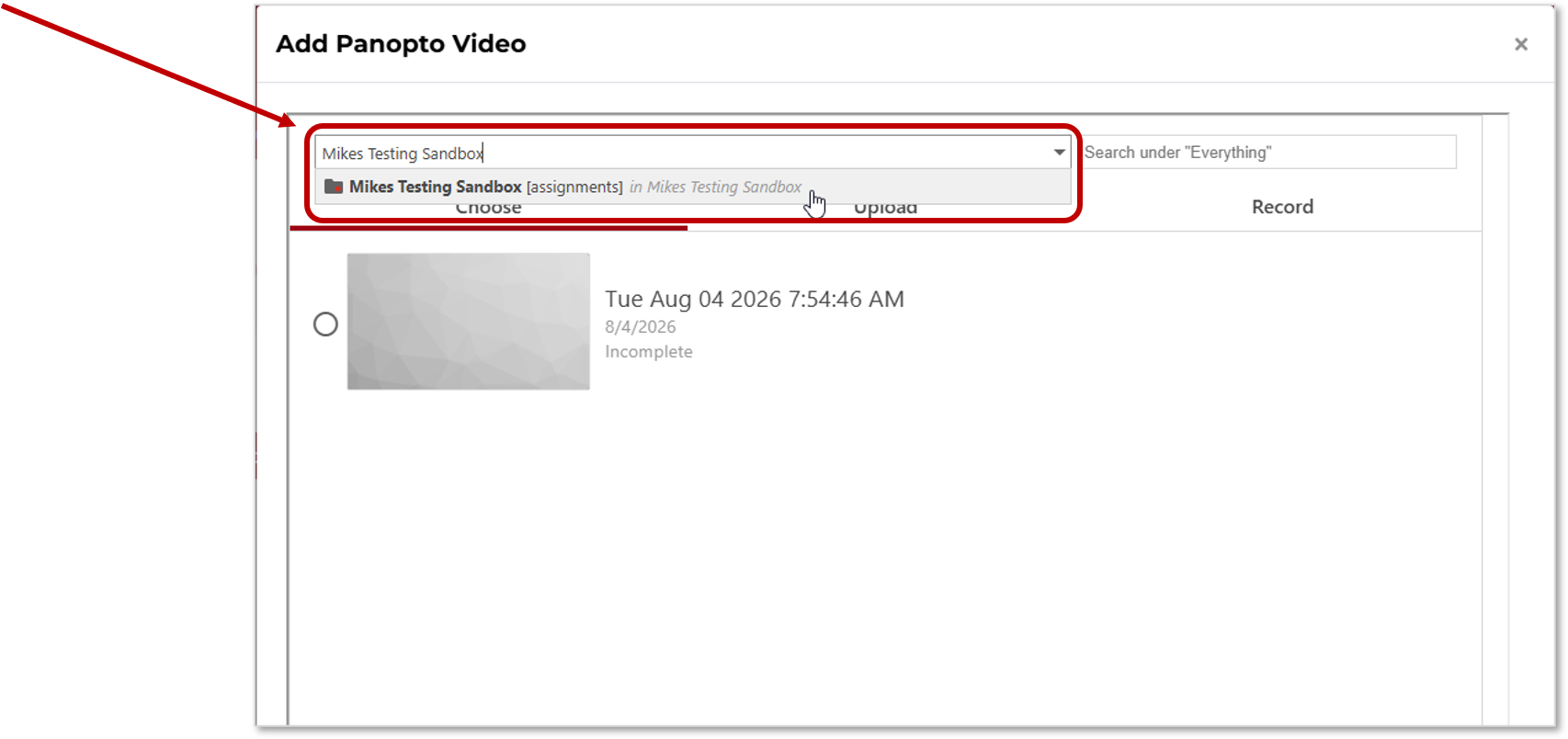
7. Click on the Record tab

8. Type a name for your recording

9. Click on the Capture (Browser) option

10. Click on the Record button to Start recording
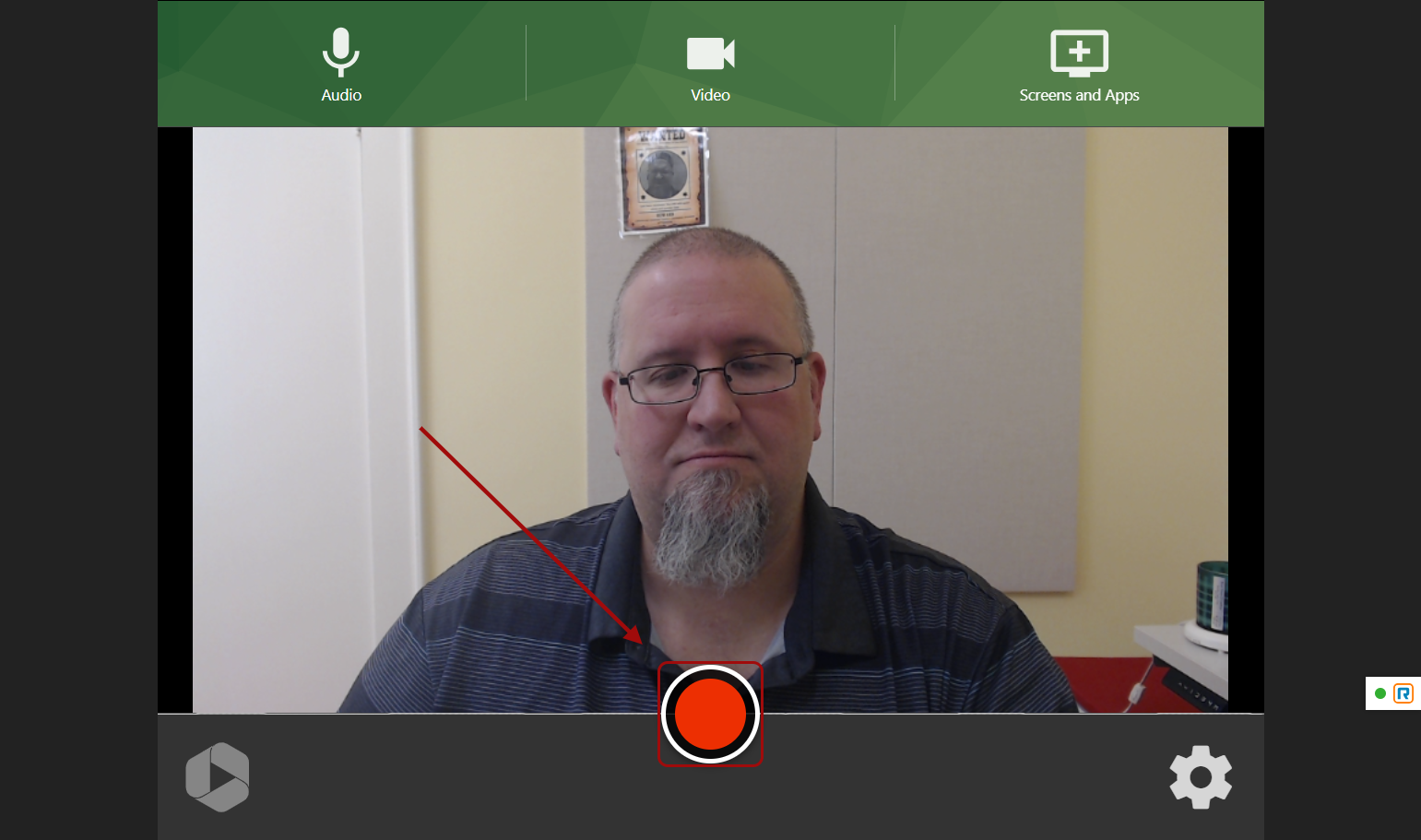
11. Click the same button to Stop the recording when you are done (It will have changed from a red circle to a red square)
12. Wait until you see the message "It's safe to close your browser window"

13. Close this recording browser tab to return to your Moodle forum tab
14. Click on Insert

15. Click on Post to forum
