This adds a metadata Title that assistive technologies and file properties use, not usually visible in the document itself unless inserted as a field.
From the Desktop app of Microsoft Word:
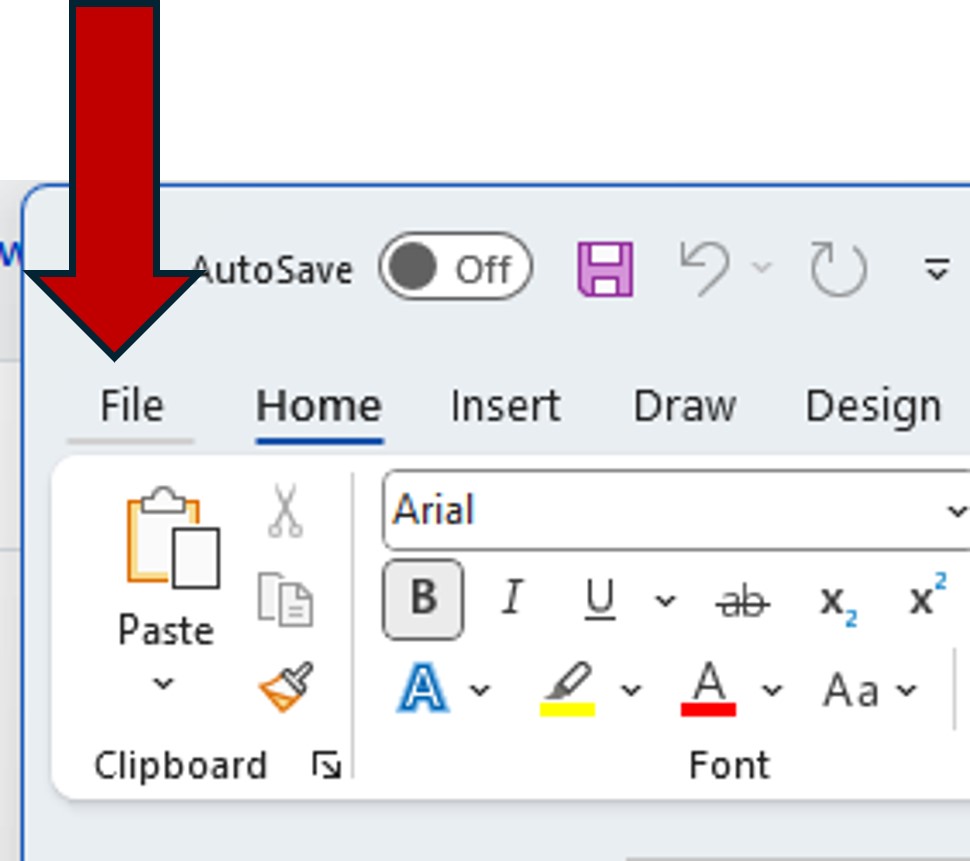
1. Click the File tab.
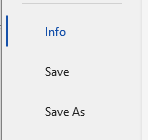
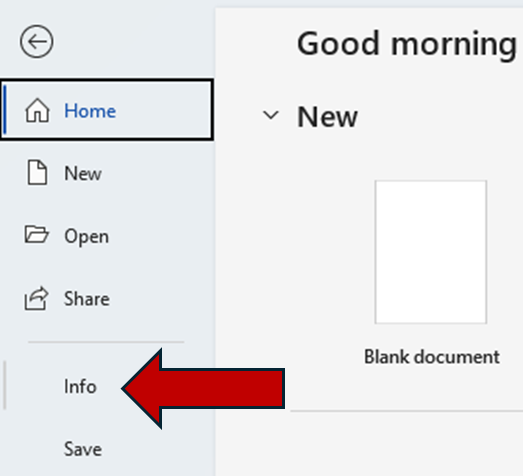
2. Select Info from the menu.
3. Under the Properties section, find the Title field (it might say "Add a title").
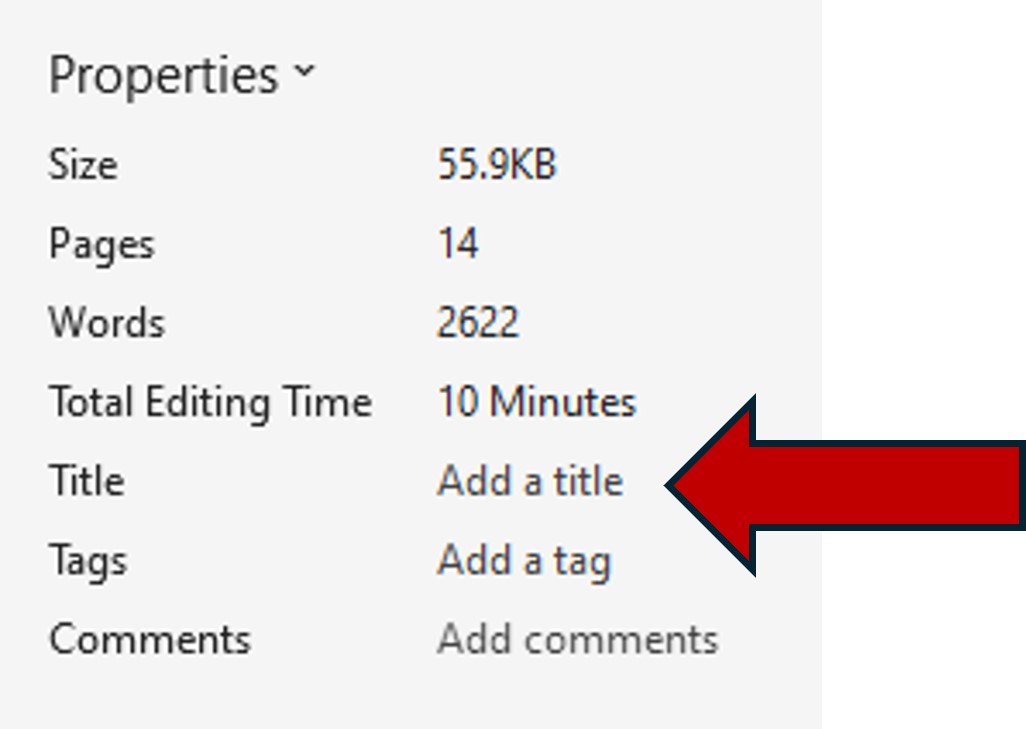
4. Click in the field and type your title.
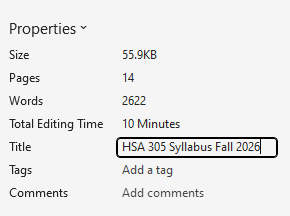
5. Save the document to apply the change.